 IntoSlides
Presentation example
How a computer works: a five-slide presentation
IntoSlides made this deck from one topic: “How a computer works: processor, memory, storage and input and output devices, for beginners”. Below are all five slides with their text. Download the PowerPoint or make a presentation on your own topic.
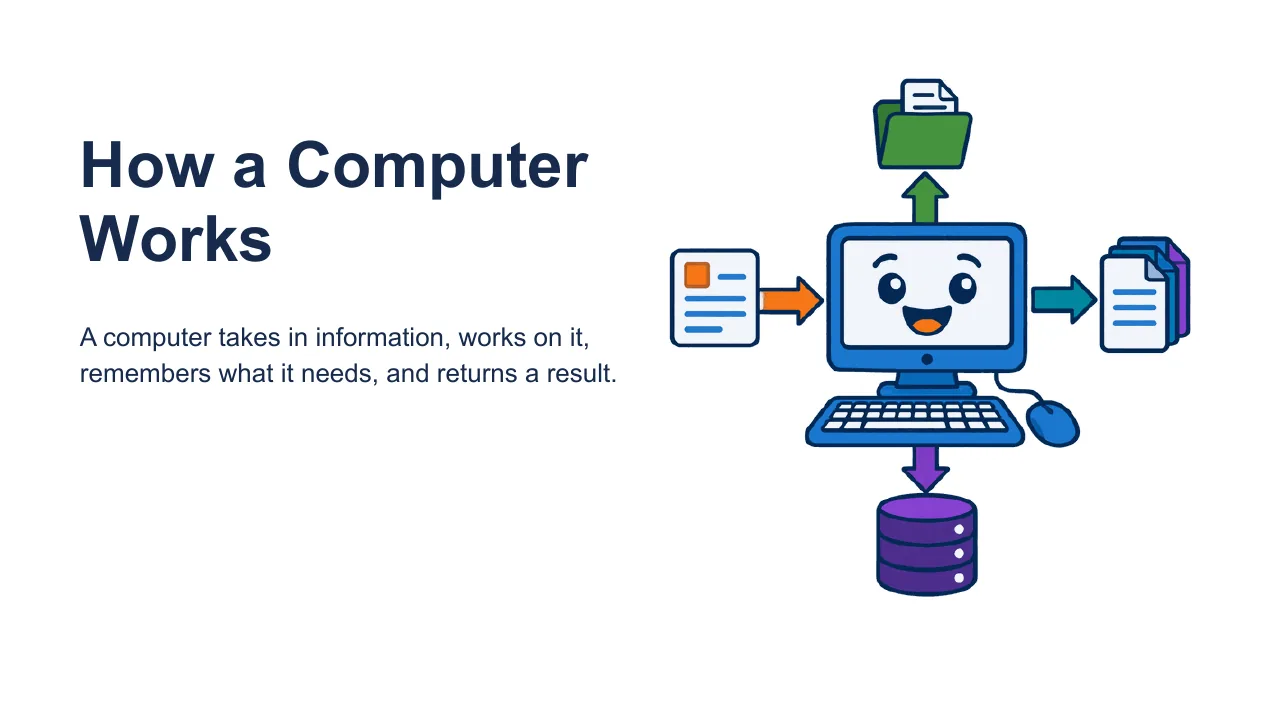
How a Computer Works
A computer takes in information, works on it, remembers what it needs, and returns a result.
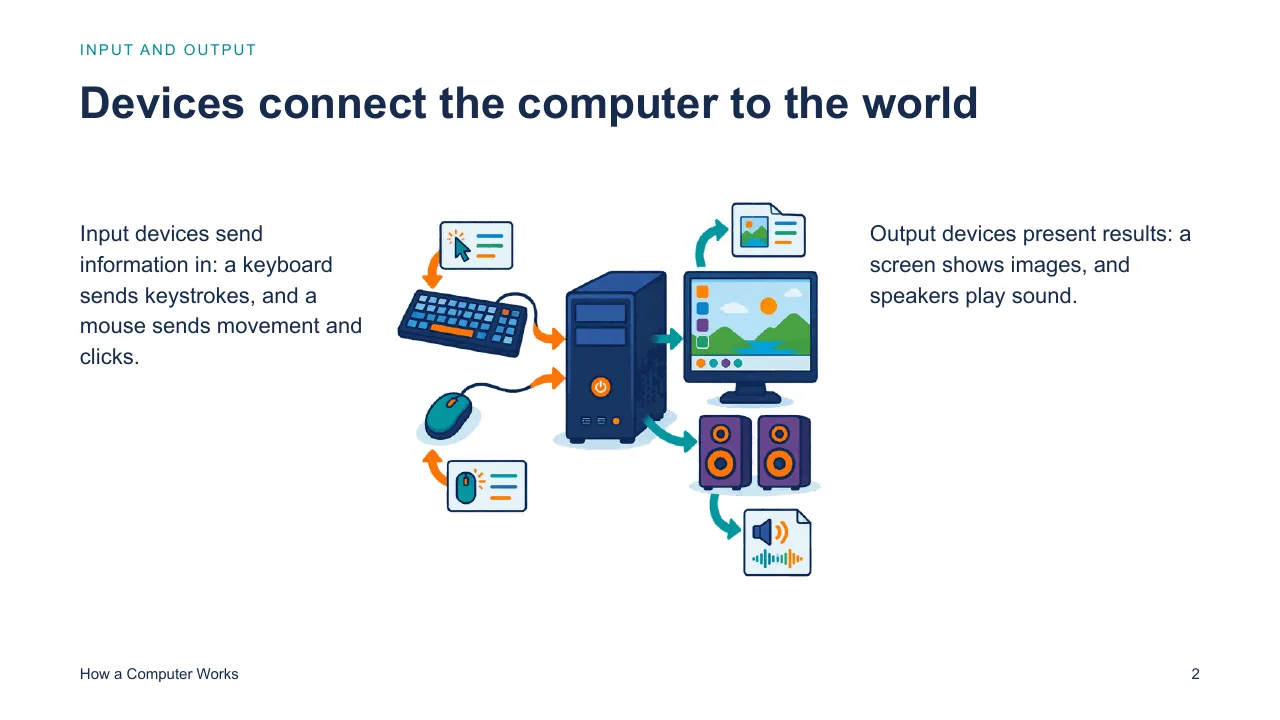
Devices connect the computer to the world
Input devices send information in: a keyboard sends keystrokes, and a mouse sends movement and clicks.
Output devices present results: a screen shows images, and speakers play sound.
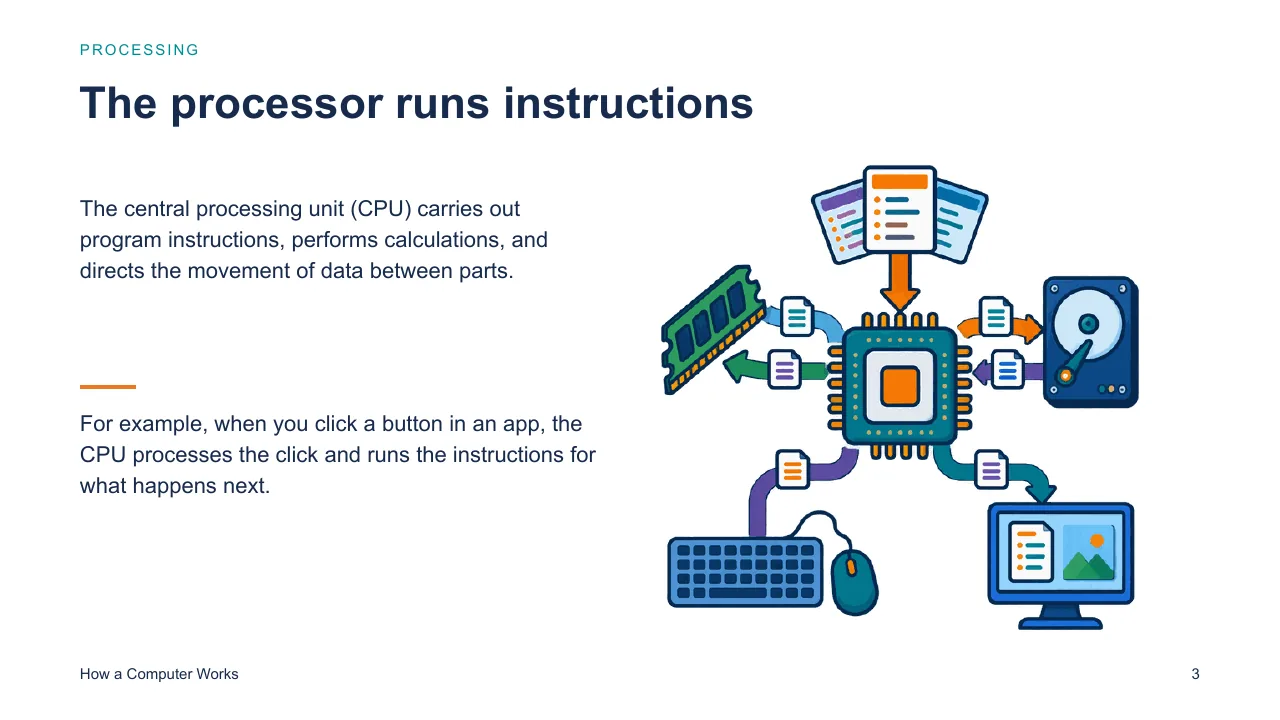
The processor runs instructions
The central processing unit (CPU) carries out program instructions, performs calculations, and directs the movement of data between parts.
For example, when you click a button in an app, the CPU processes the click and runs the instructions for what happens next.
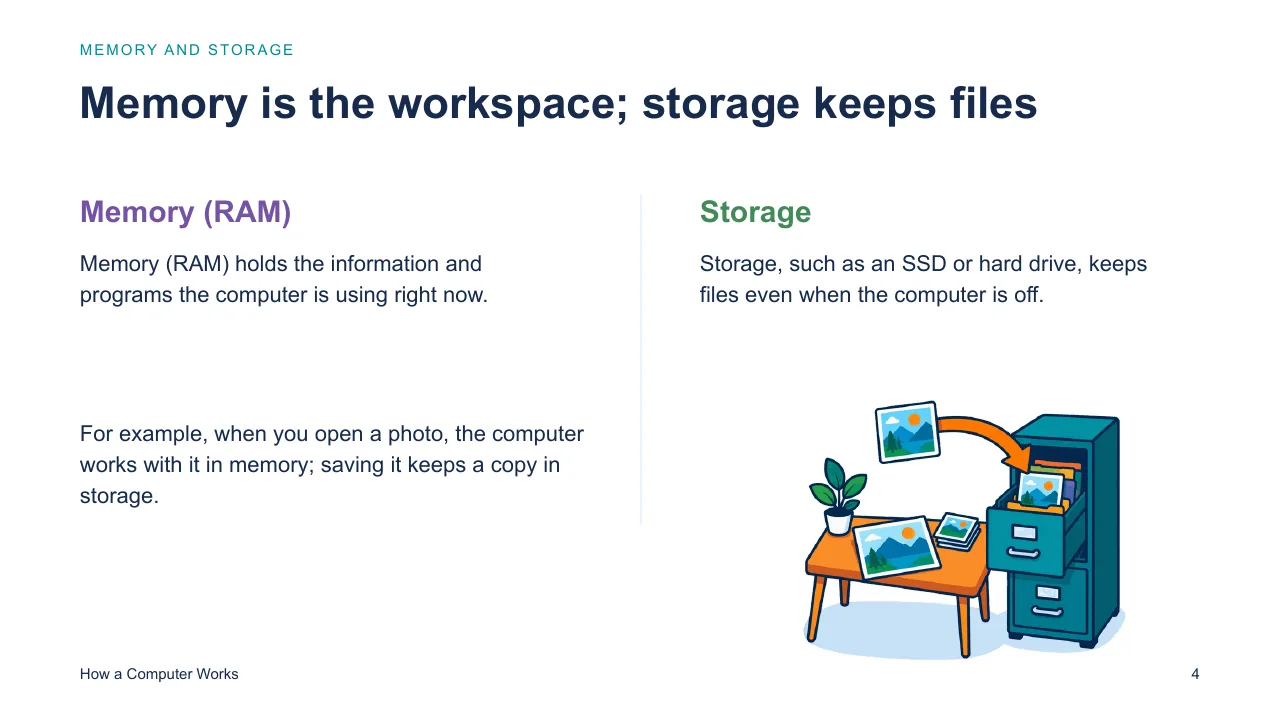
Memory is the workspace; storage keeps files
Memory (RAM) holds the information and programs the computer is using right now.
Storage, such as an SSD or hard drive, keeps files even when the computer is off.
For example, when you open a photo, the computer works with it in memory; saving it keeps a copy in storage.
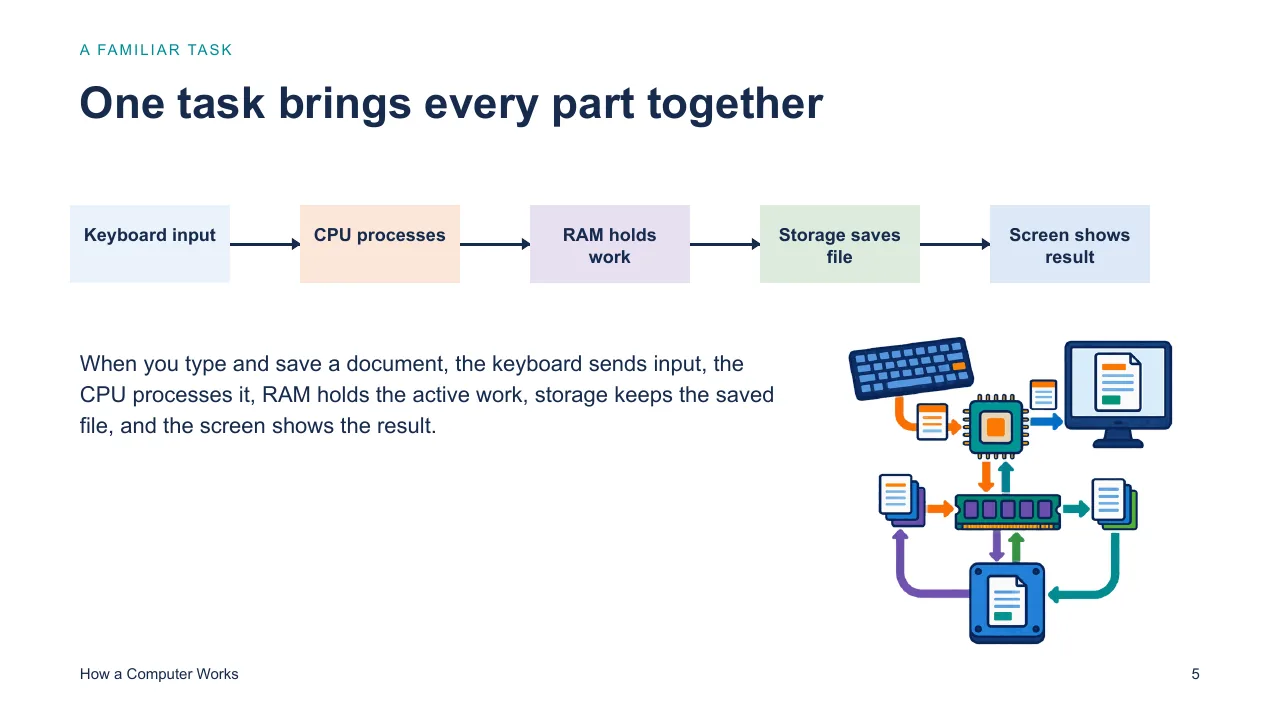
One task brings every part together
When you type and save a document, the keyboard sends input, the CPU processes it, RAM holds the active work, storage keeps the saved file, and the screen shows the result.
 Thanksgiving
 Christmas traditions
 Later school start times