 IntoSlides
Presentation example
How the internet works: a five-slide presentation
IntoSlides made this deck from one topic: “How the internet delivers a web page, explained for beginners”. Below are all five slides with their text. Download the PowerPoint or make a presentation on your own topic.
From web address to page
A browser asks another computer for the pieces it needs, then assembles them into a page you can use.
The address is looked up, then contacted
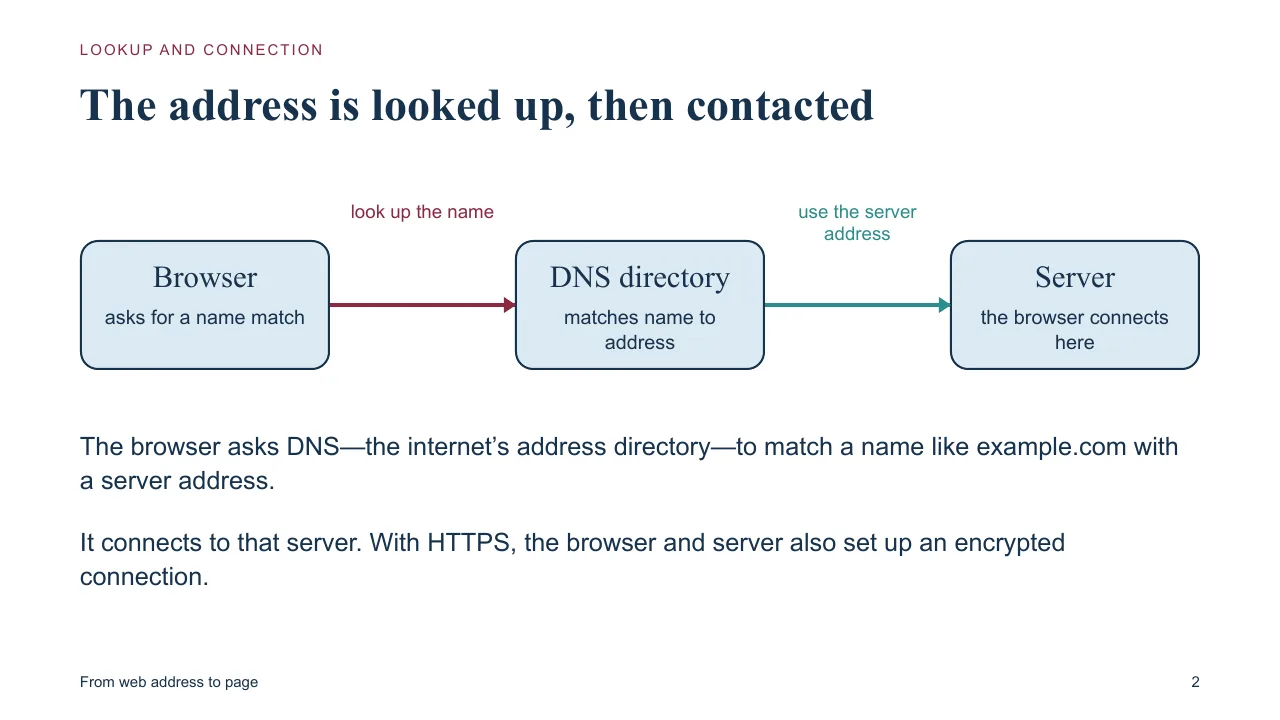
The browser asks DNS—the internet’s address directory—to match a name like example.com with a server address.
It connects to that server. With HTTPS, the browser and server also set up an encrypted connection.
A request goes out; a response comes back
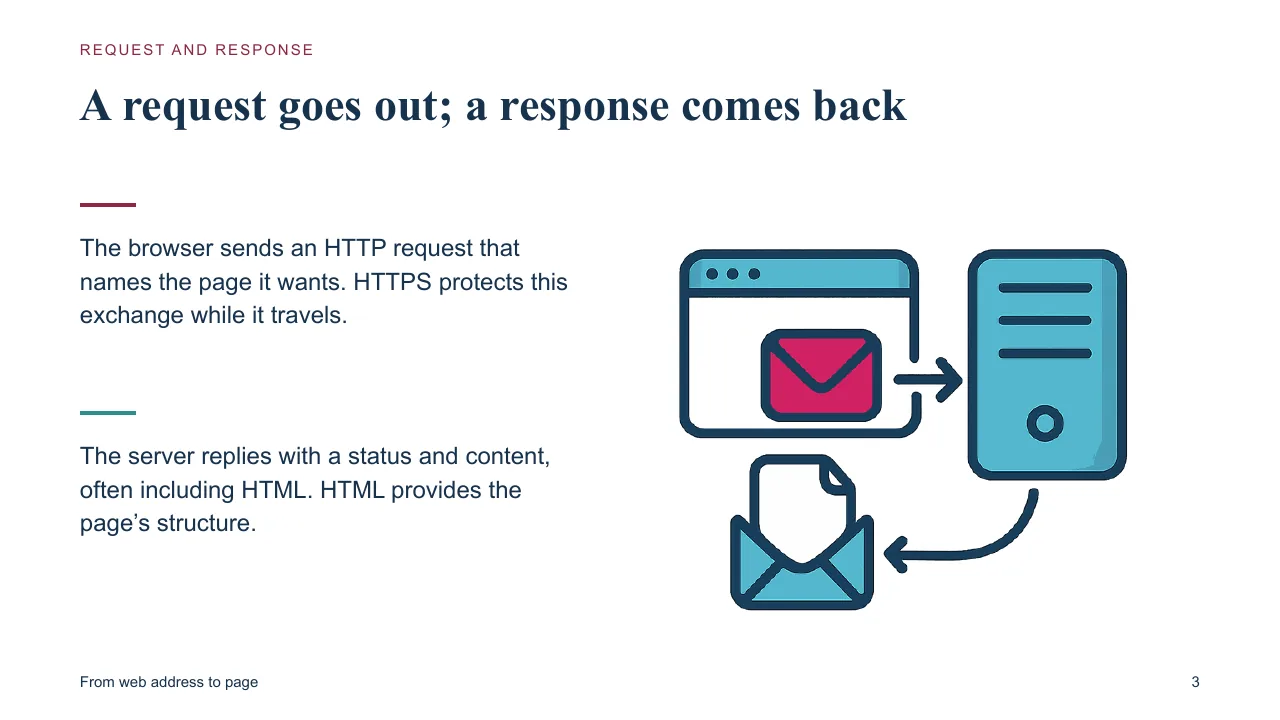
The browser sends an HTTP request that names the page it wants. HTTPS protects this exchange while it travels.
The server replies with a status and content, often including HTML. HTML provides the page’s structure.
The browser assembles and draws the page
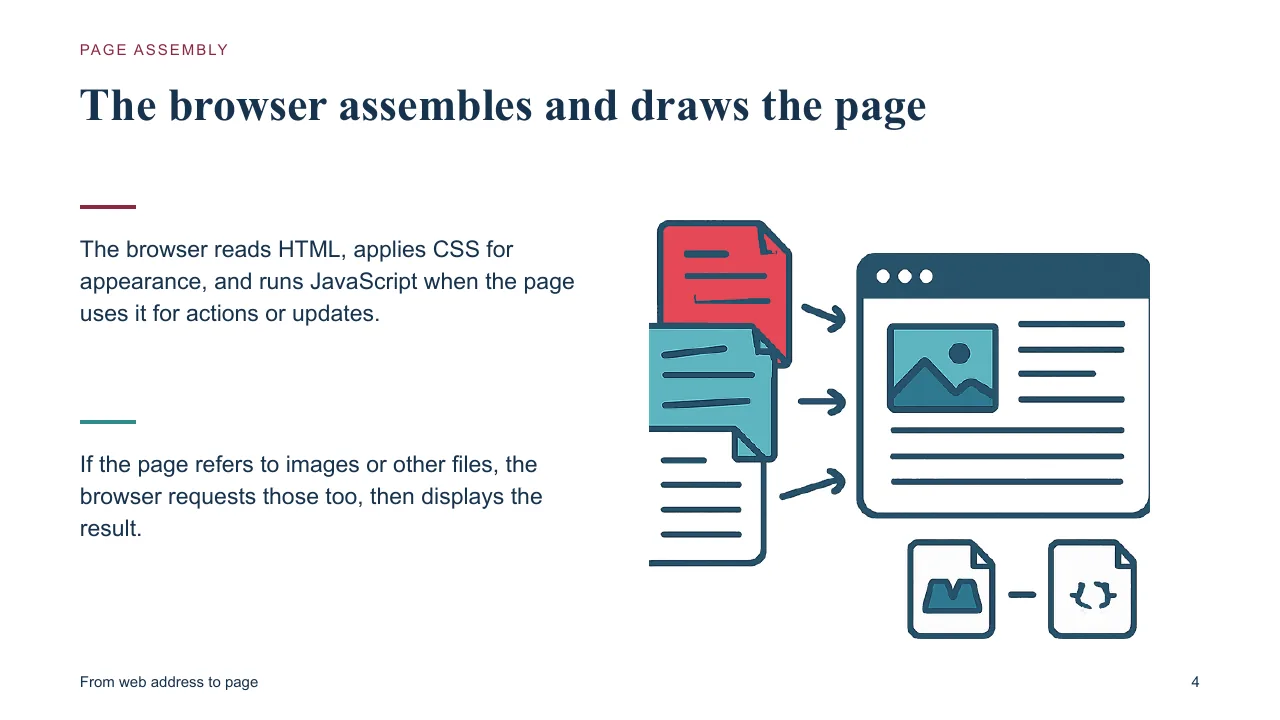
The browser reads HTML, applies CSS for appearance, and runs JavaScript when the page uses it for actions or updates.
If the page refers to images or other files, the browser requests those too, then displays the result.
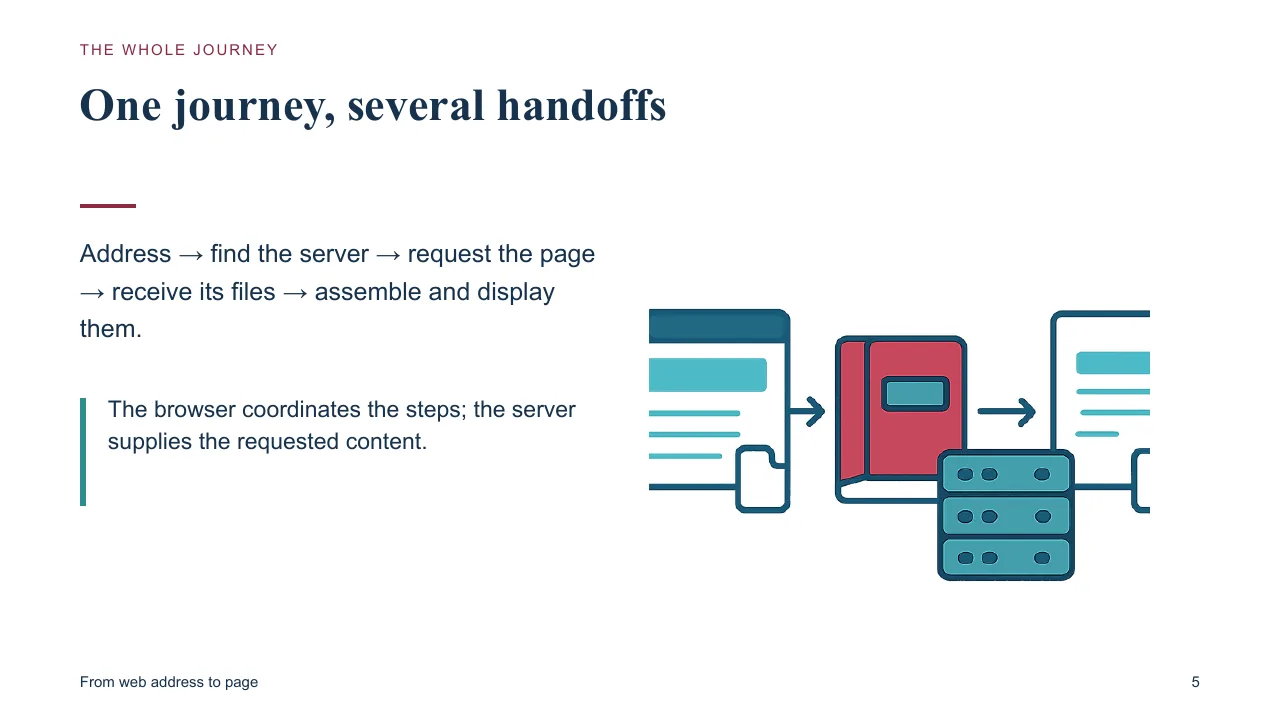
One journey, several handoffs
Address → find the server → request the page → receive its files → assemble and display them.
The browser coordinates the steps; the server supplies the requested content.
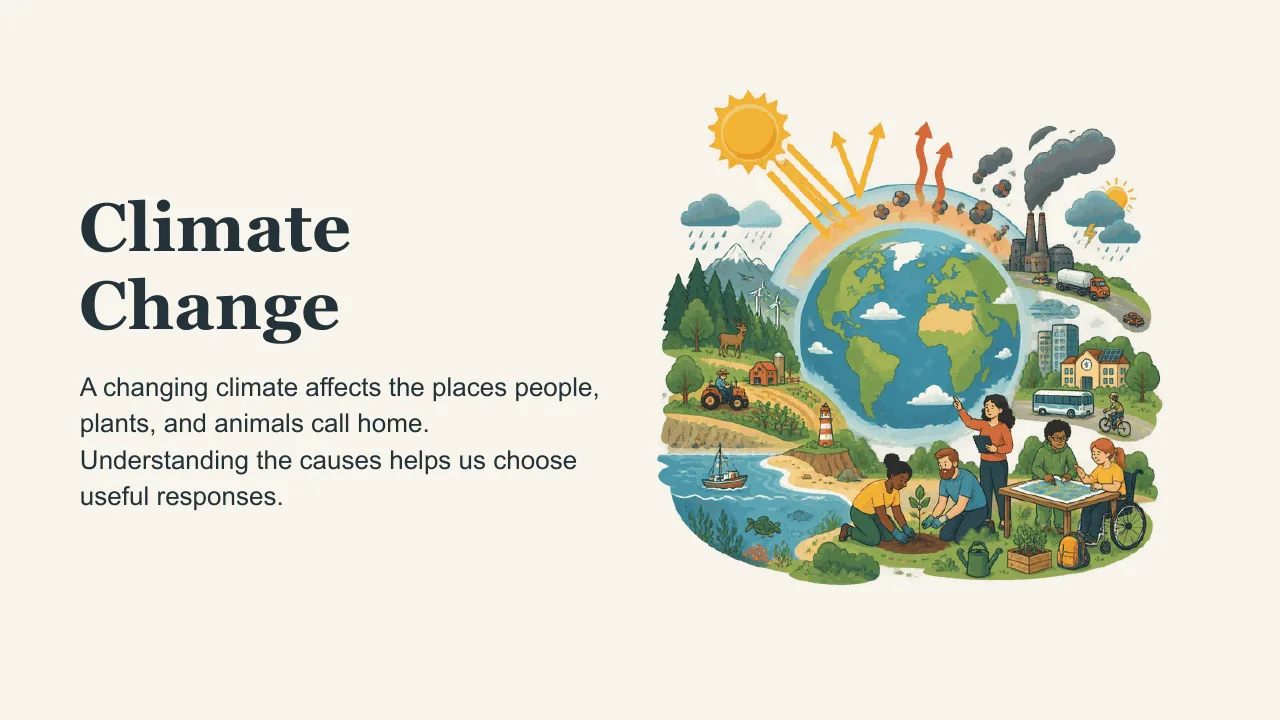 Climate change
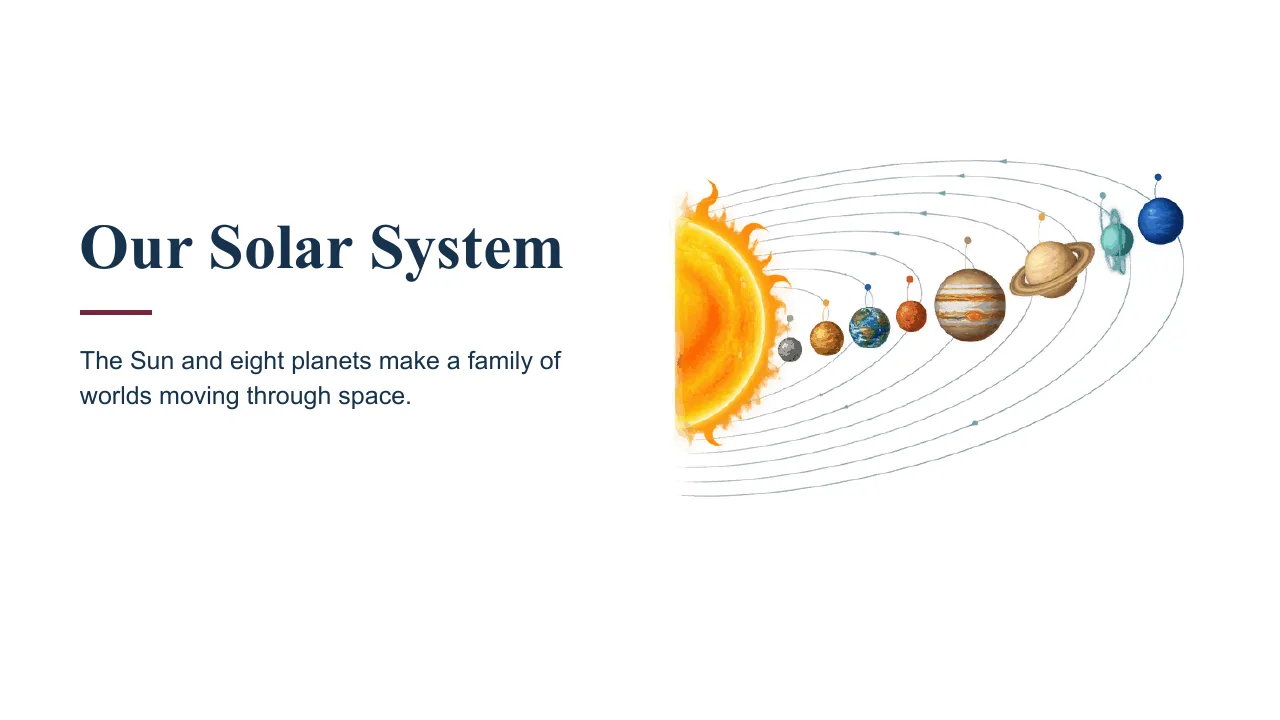 The solar system
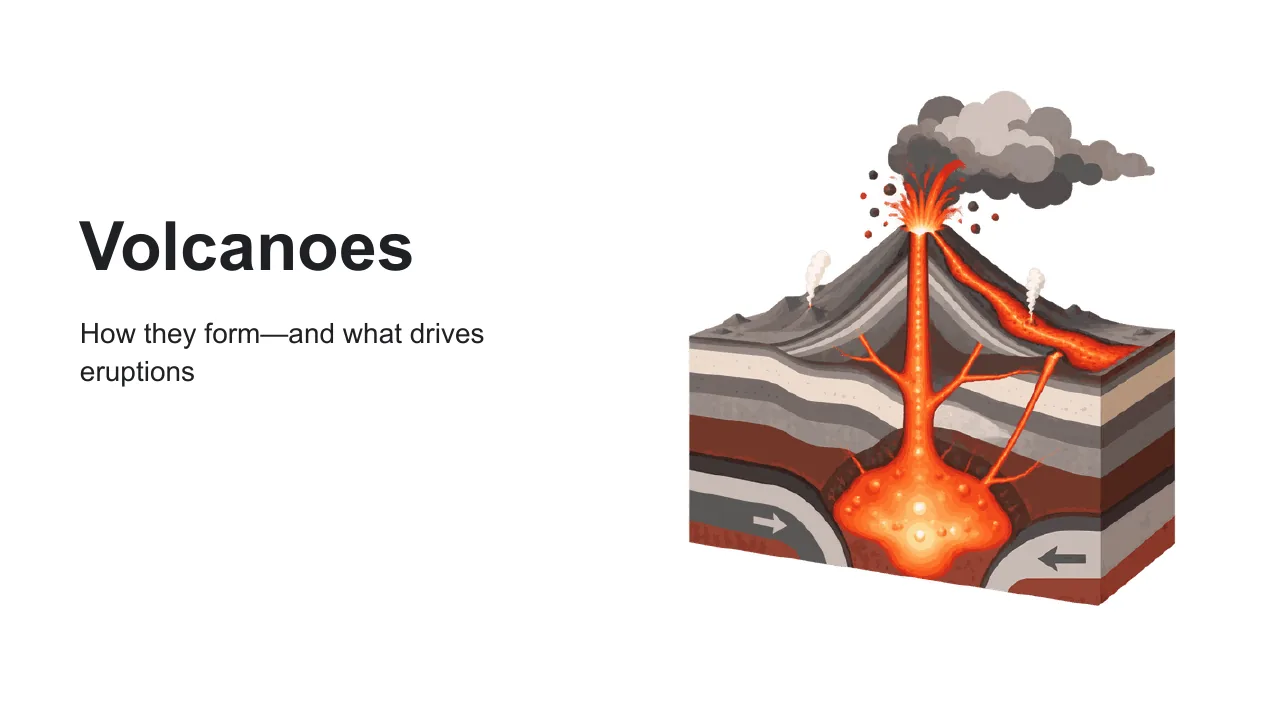 Volcanoes