 IntoSlides
Free AI presentation maker
One idea.
Five slides.
Turn a topic into an AI-made presentation with pictures that you can open and edit in PowerPoint.
- Free
- No sign-up
- Ready in about 4 minutes
- Editable .pptx
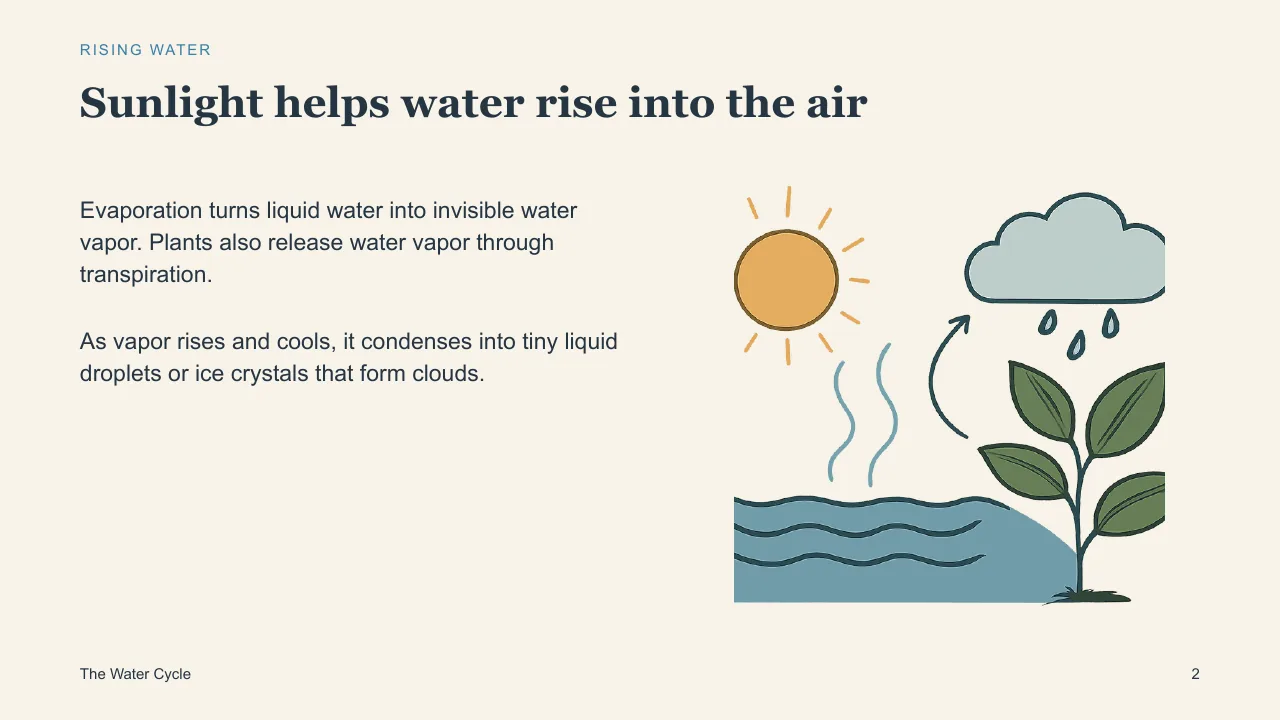
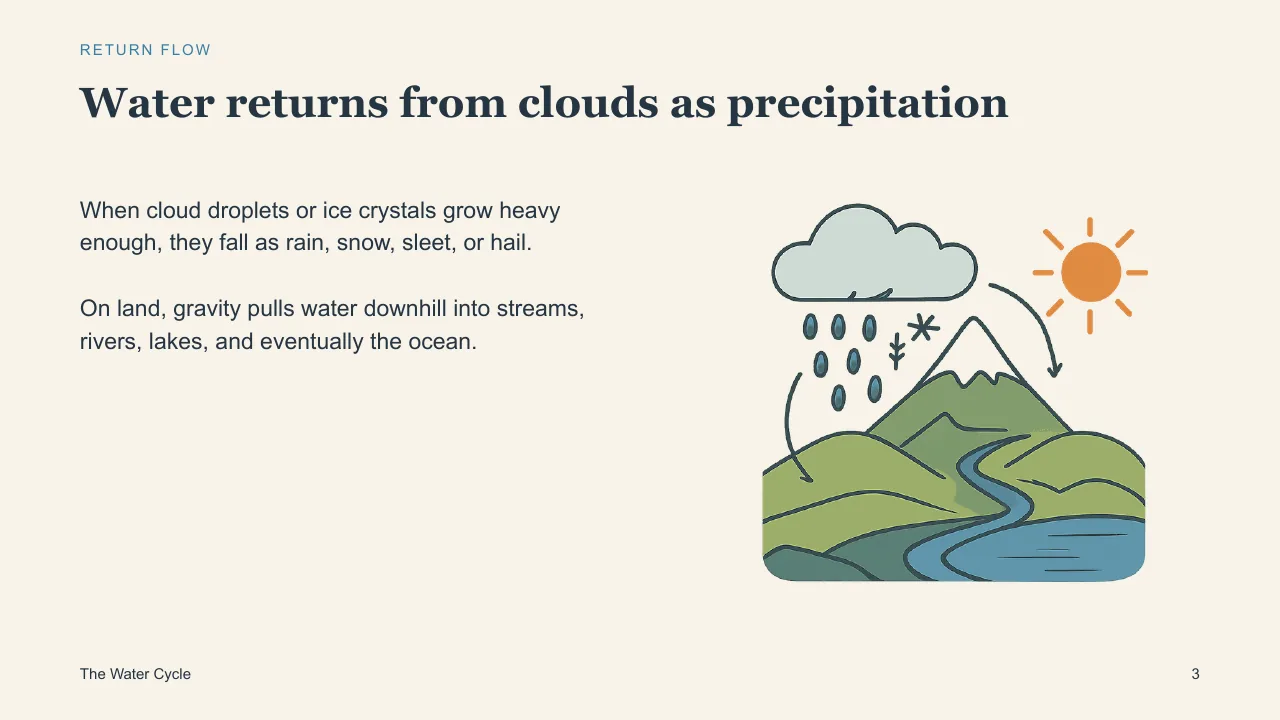
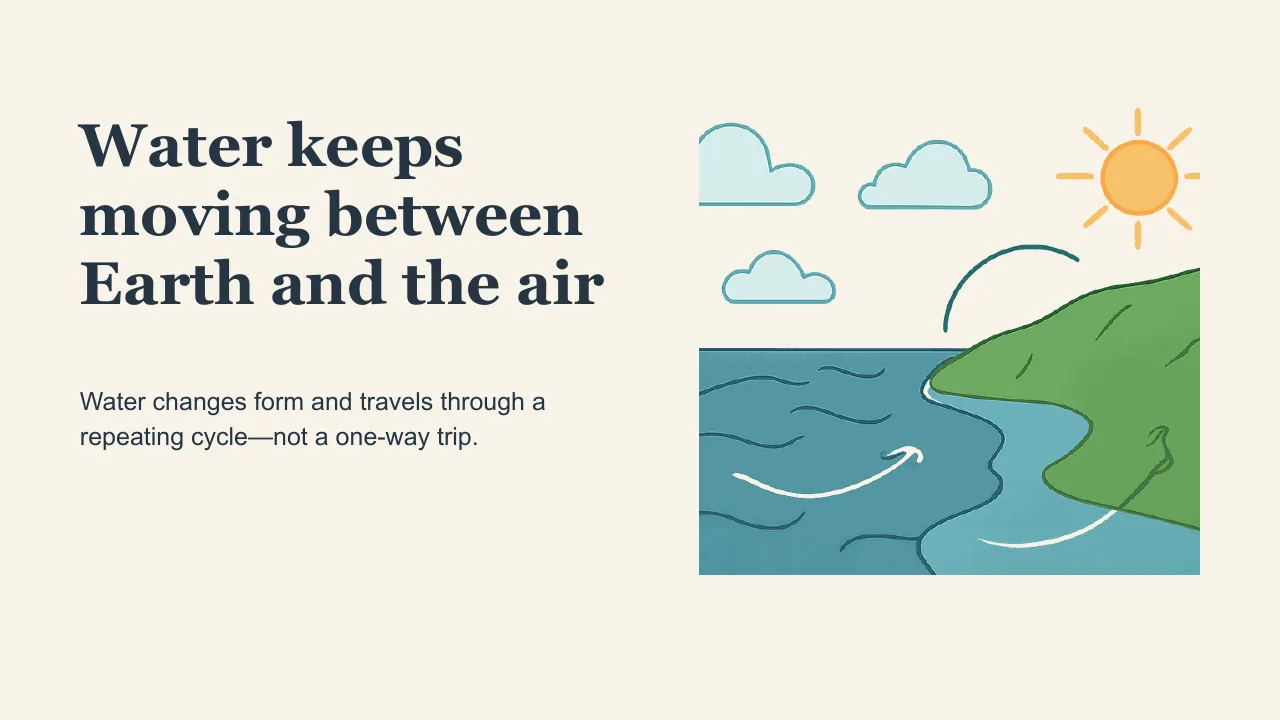
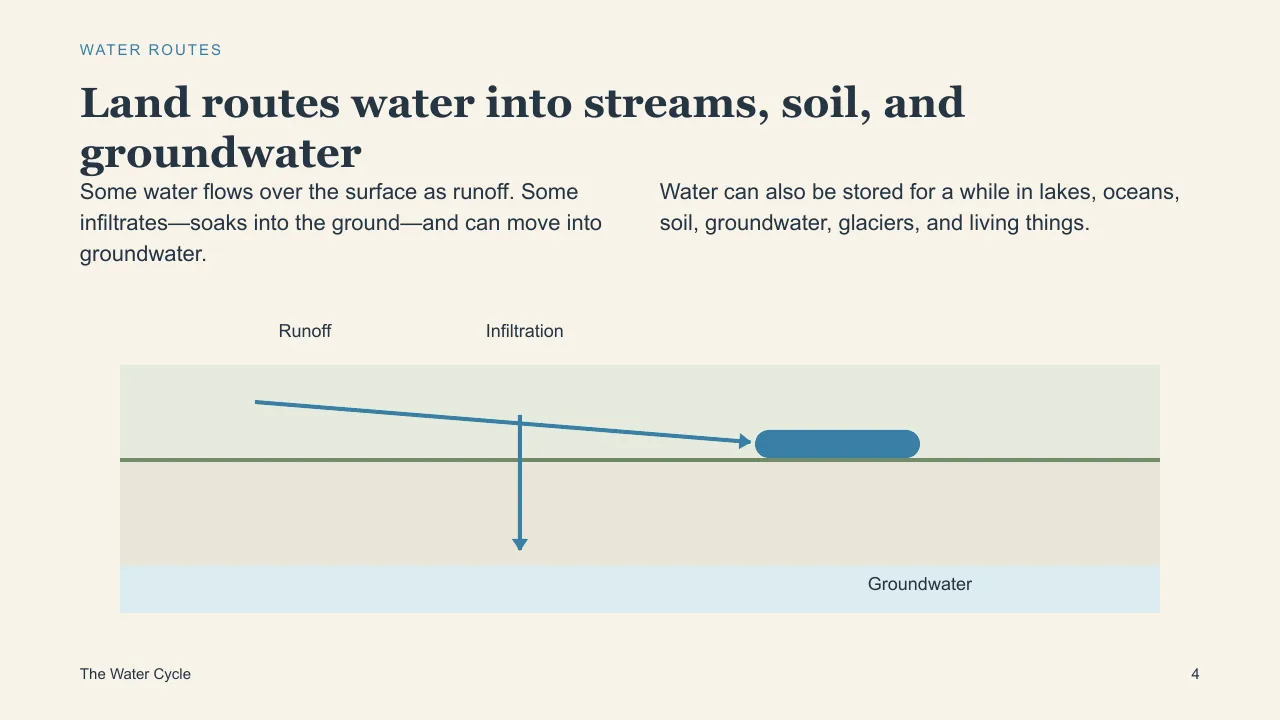
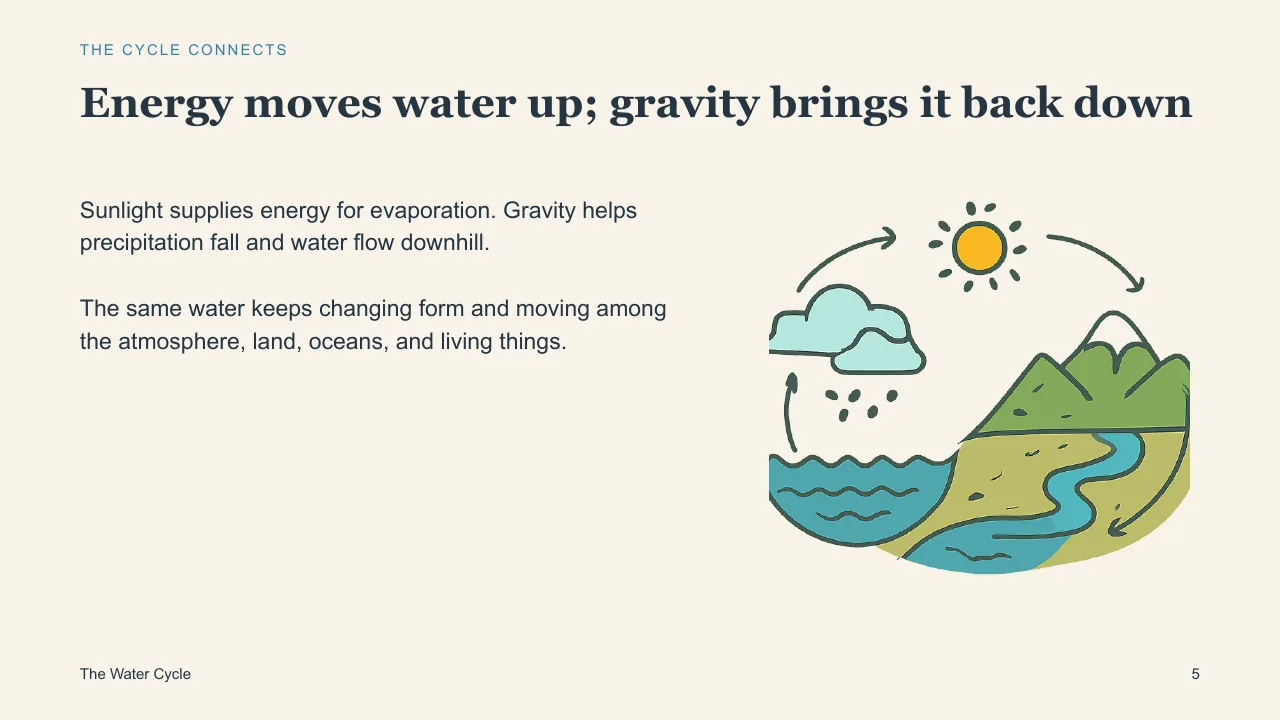
These five slides were made from one line: The water cycle explained for a middle school science class
Your topic is sent to OpenAI and APIYI to create your slides. Don’t include sensitive information. Privacy
Examples
Real decks, each made from one line
Pick a deck and flip through its slides.

Every deck has its own page with the text of each slide and the PowerPoint file: How the internet works, The water cycle, The solar system, Photosynthesis. All examples
How it works
From a topic to an editable deck in three steps
Type a topic
One or two sentences are enough, for example “How city trees cool our streets”. The slides follow the language of your request.
AI writes and designs five slides
The AI plans the story, writes the text, checks it, draws pictures and lays out each slide. It takes about three to four minutes.
Download an editable PowerPoint
Preview the slides in your browser and download a .pptx file with real text boxes for PowerPoint, Keynote or Google Slides.
Questions
Free AI presentation maker: common questions
Is IntoSlides free?
Yes. One five-slide presentation per browser is free, and another one becomes available about a day later. There is no account and no card.
Do I need to sign up?
No. Type a topic and pass a quick security check. Your result stays available in this browser for 24 hours.
Can I edit the slides in PowerPoint?
Yes. You download an editable PowerPoint file (.pptx) that opens in PowerPoint, Keynote and Google Slides, with real text boxes you can change.
How long does it take?
About three to four minutes. The page shows each step while the AI writes, checks and designs your slides.
Which languages are supported?
By default, the slides follow the language of your request. You can also choose English or Russian next to the topic field.
Where do the pictures come from?
An AI image model draws a picture for the slides from short descriptions of what each slide shows. No stock photos are used.
What can I make with it?
Anything that fits five slides: a school lesson, a project report, a short talk, a quick explanation for a team. A clear topic of one or two sentences works best.
What happens to my topic?
It is sent to OpenAI (or APIYI as a fallback) to create the slides. The job and its files are deleted 24 hours after it finishes; the site owner keeps the topic in a private service log. See the privacy page for details.
Can I make longer presentations or use my own files?
Yes, in the IntoSlides app for iPhone: add your own files and photos and make longer presentations.
Free · No sign-up
One idea is enough.
Type a topic and get five slides with pictures in about four minutes.
Make my presentationIntoSlides for iPhone
Start with more than a topic.
Add your own files and photos, make longer presentations, and find your work again in the app.
Download on the App Store Scan with your iPhone camera