 IntoSlides
Presentation example
Cyber security basics: a five-slide presentation
IntoSlides made this deck from one topic: “Cyber security basics: strong passwords, phishing and safe habits online, for high school students”. Below are all five slides with their text. Download the PowerPoint or make a presentation on your own topic.
Cybersecurity starts with everyday choices
Use stronger passwords, spot suspicious messages, and build safer online habits.
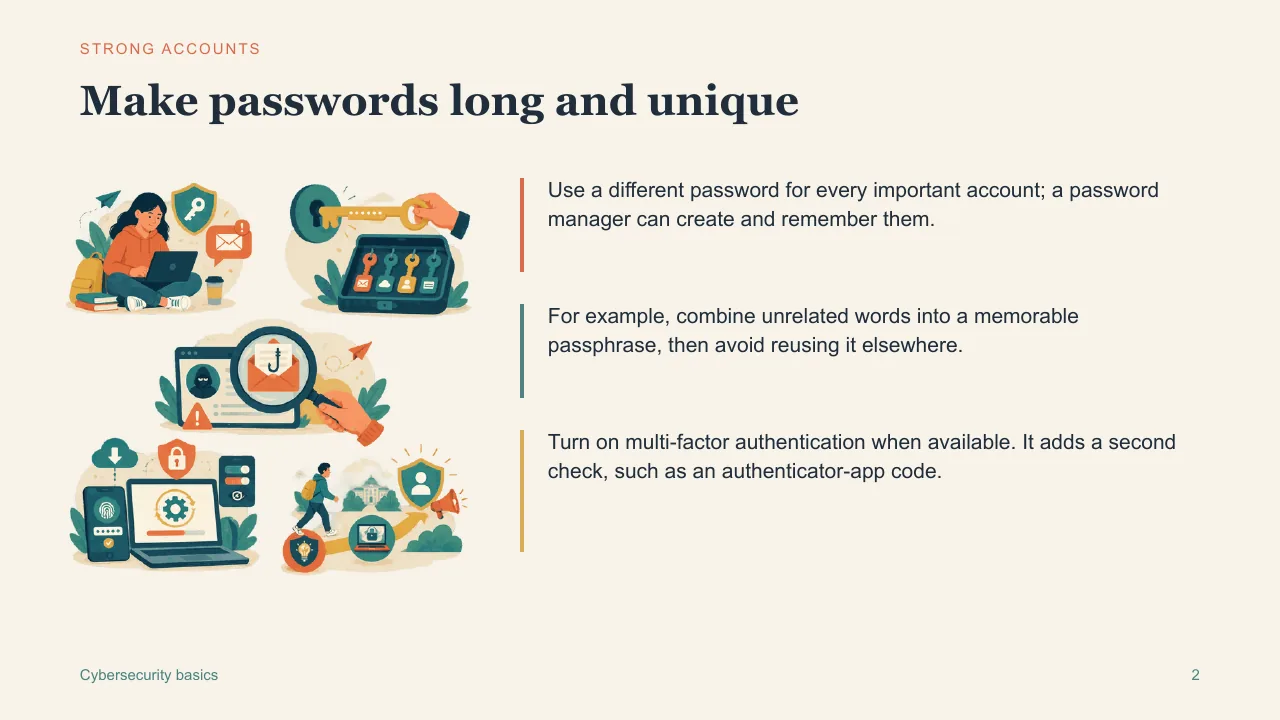
Make passwords long and unique
Use a different password for every important account; a password manager can create and remember them.
For example, combine unrelated words into a memorable passphrase, then avoid reusing it elsewhere.
Turn on multi-factor authentication when available. It adds a second check, such as an authenticator-app code.
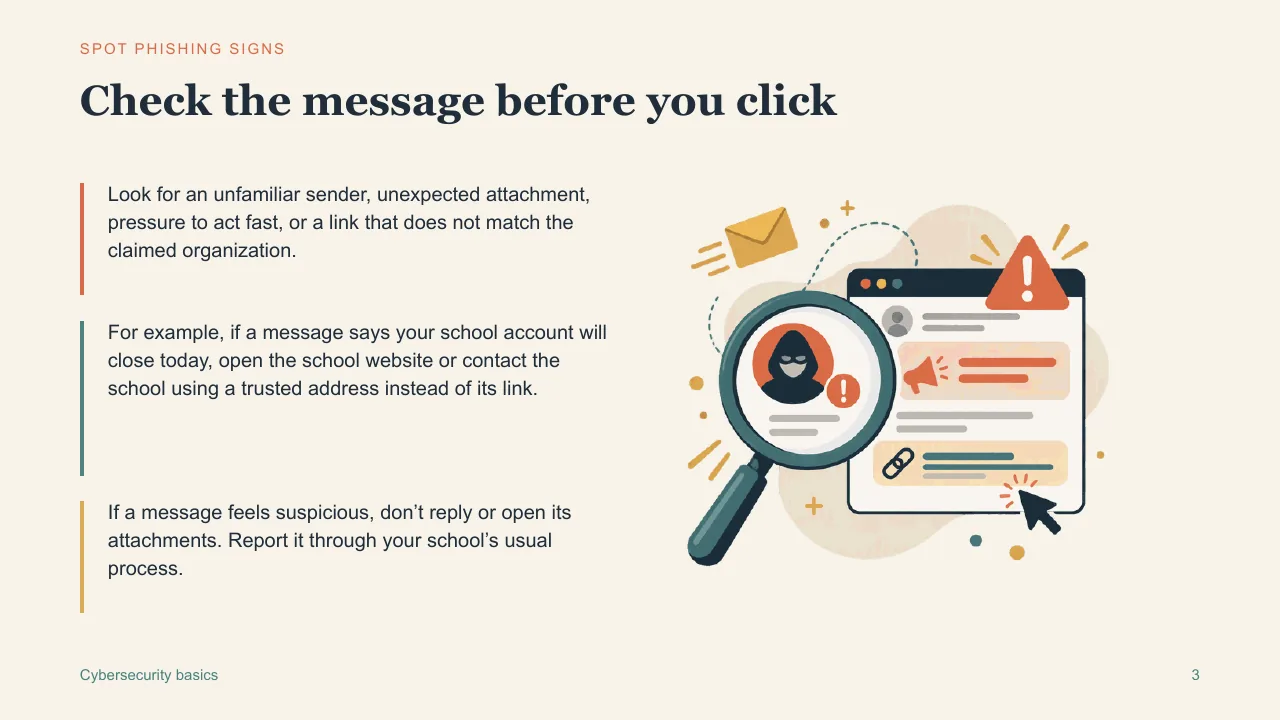
Check the message before you click
Look for an unfamiliar sender, unexpected attachment, pressure to act fast, or a link that does not match the claimed organization.
For example, if a message says your school account will close today, open the school website or contact the school using a trusted address instead of its link.
If a message feels suspicious, don’t reply or open its attachments. Report it through your school’s usual process.
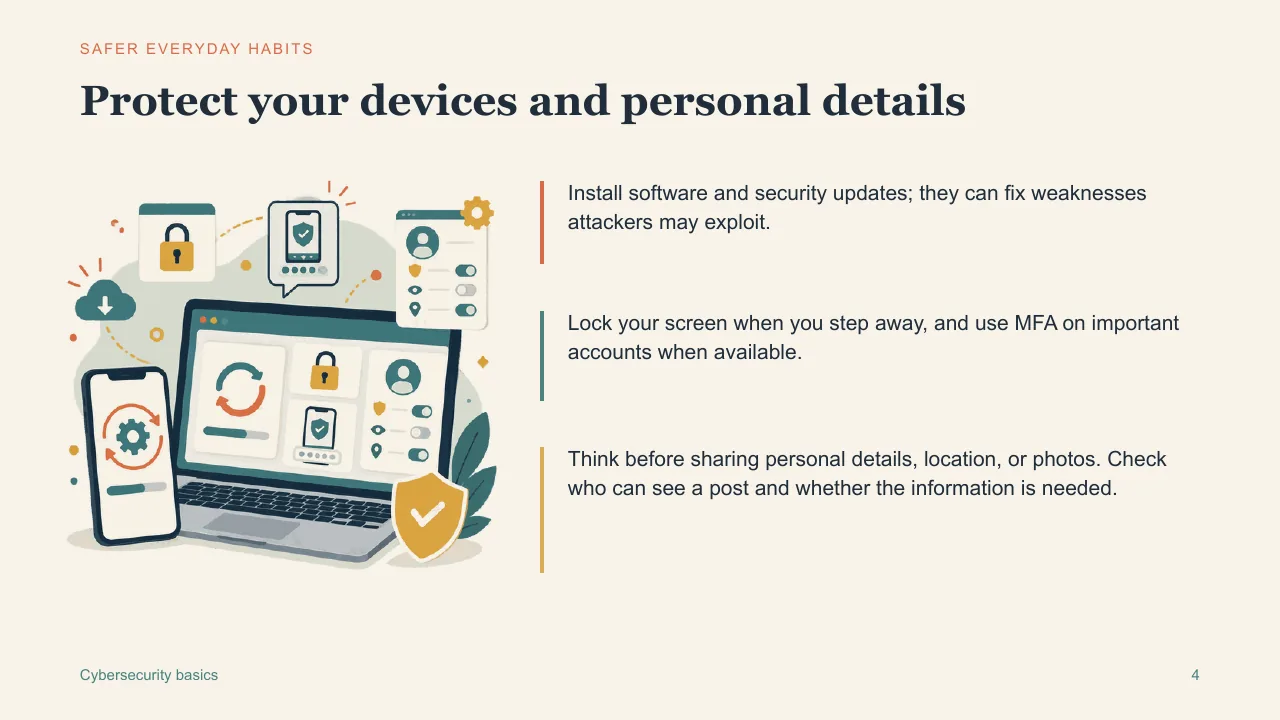
Protect your devices and personal details
Install software and security updates; they can fix weaknesses attackers may exploit.
Lock your screen when you step away, and use MFA on important accounts when available.
Think before sharing personal details, location, or photos. Check who can see a post and whether the information is needed.
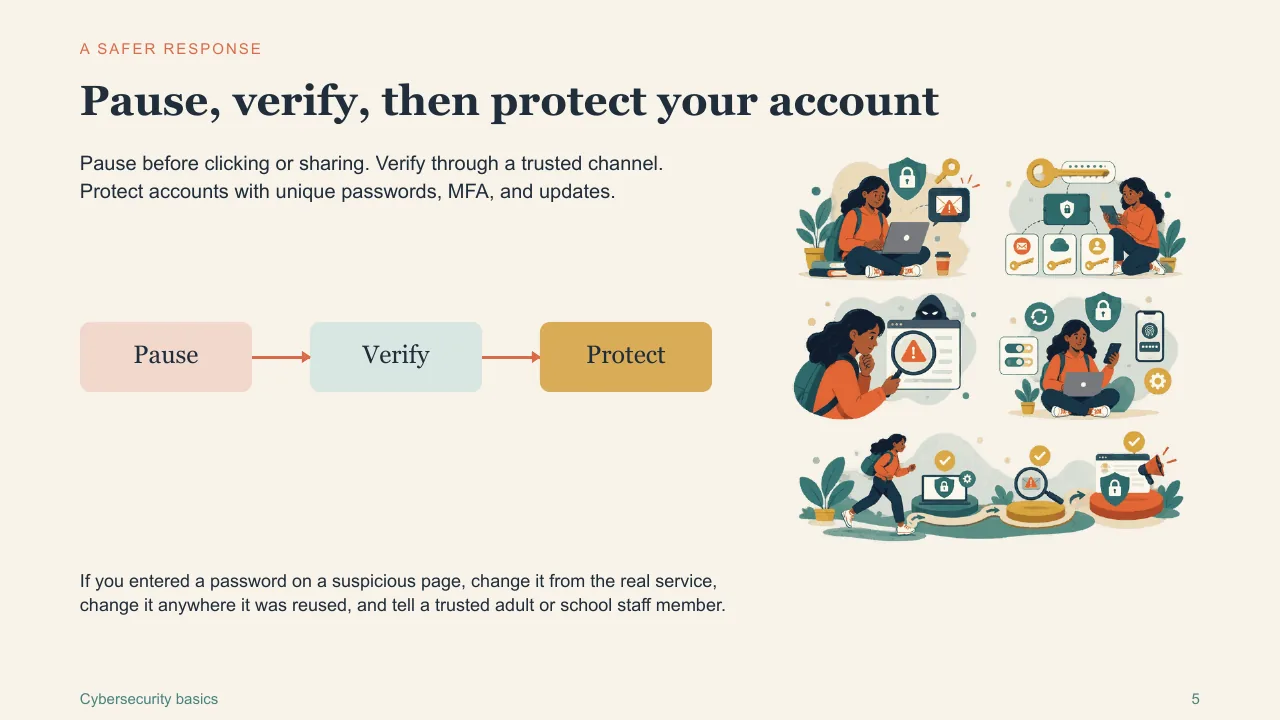
Pause, verify, then protect your account
Pause before clicking or sharing. Verify through a trusted channel. Protect accounts with unique passwords, MFA, and updates.
If you entered a password on a suspicious page, change it from the real service, change it anywhere it was reused, and tell a trusted adult or school staff member.
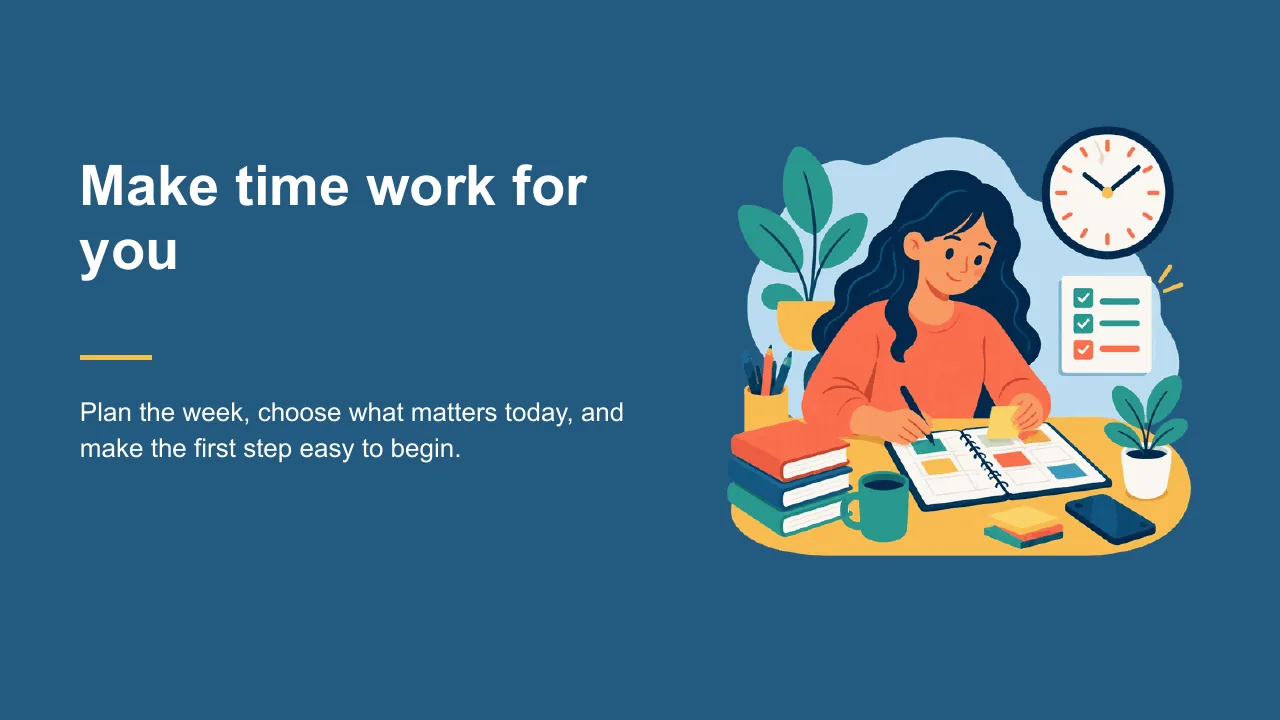 Time management for students
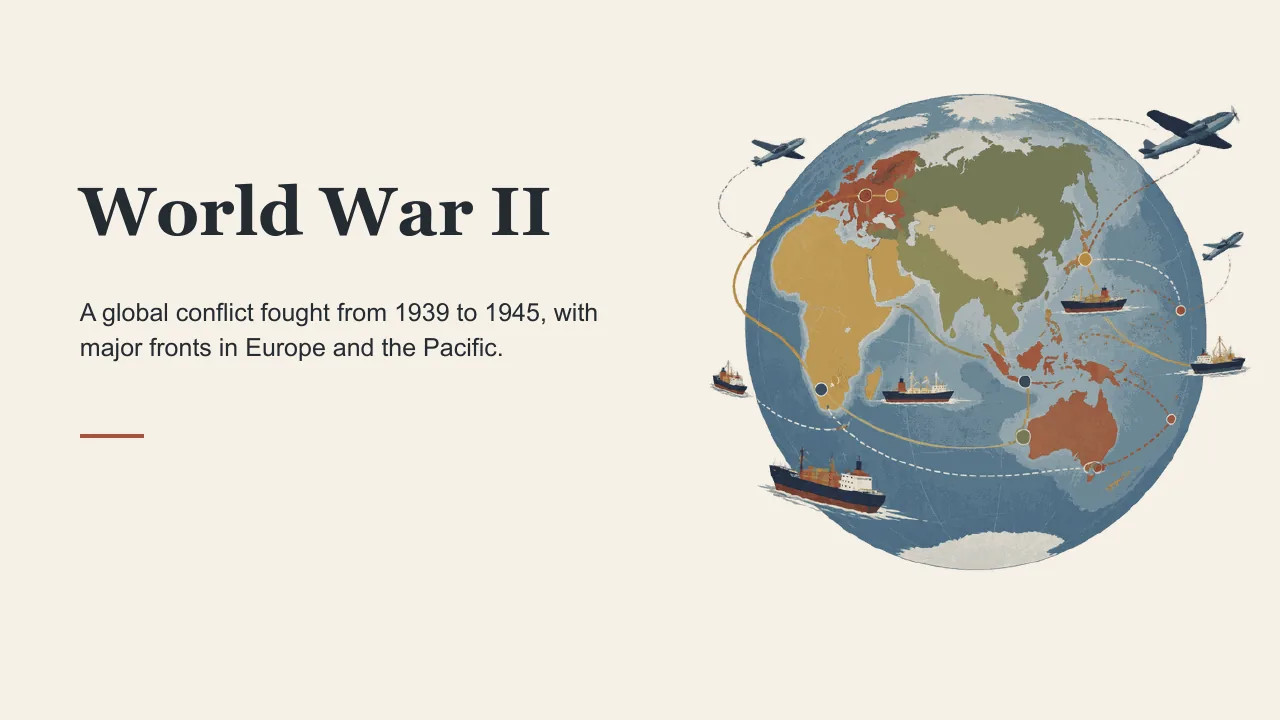 World War II
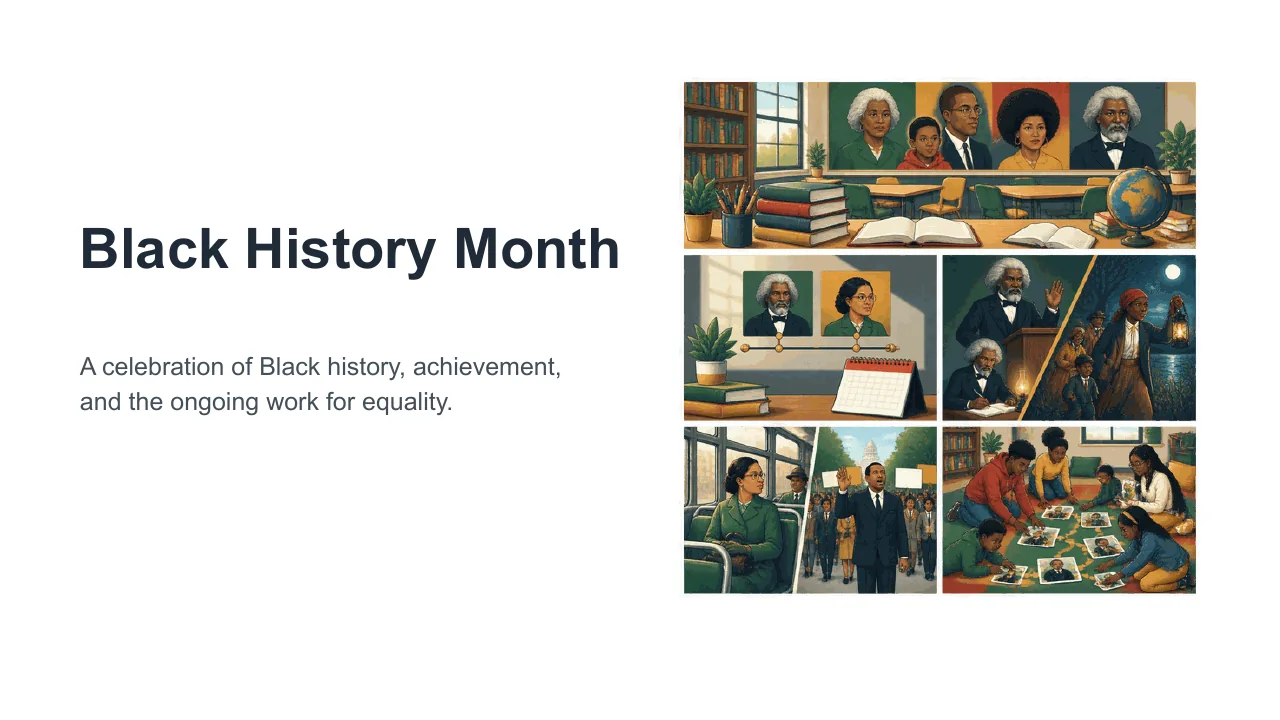 Black History Month