 IntoSlides
Presentation example
Internet safety: a five-slide presentation
IntoSlides made this deck from one topic: “Internet safety: passwords, scams and protecting personal information, for middle school students”. Below are all five slides with their text. Download the PowerPoint or make a presentation on your own topic.
Stay Safer Online
Passwords, scams, and personal information are easier to handle when you know what to check and what to do next.
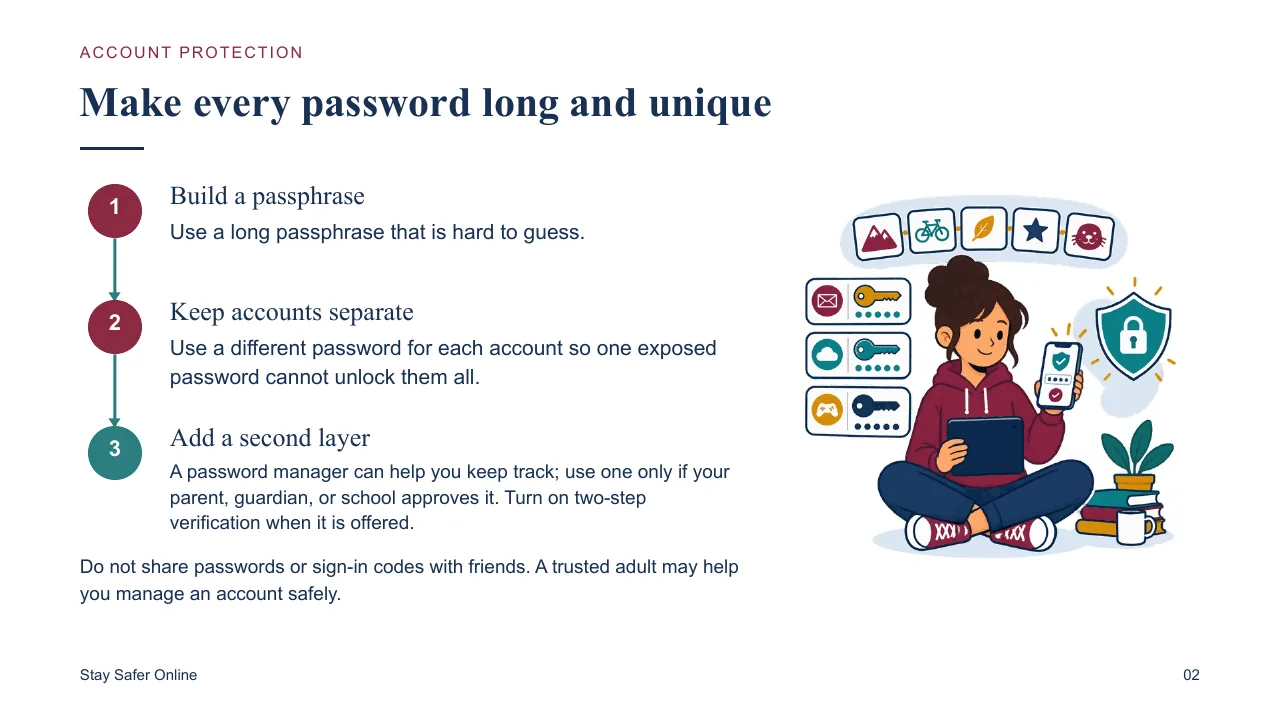
Make every password long and unique
Use a long passphrase that is hard to guess.
Use a different password for each account so one exposed password cannot unlock them all.
A password manager can help you keep track; use one only if your parent, guardian, or school approves it. Turn on two-step verification when it is offered.
Do not share passwords or sign-in codes with friends. A trusted adult may help you manage an account safely.
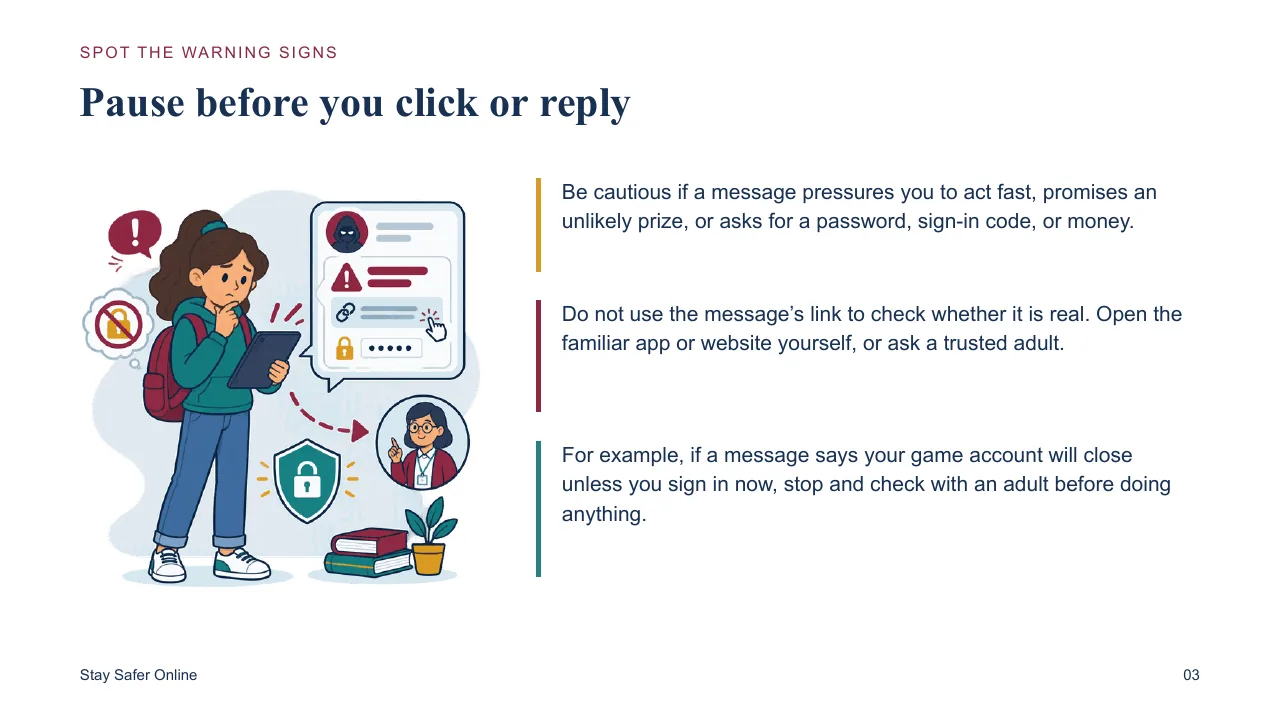
Pause before you click or reply
Be cautious if a message pressures you to act fast, promises an unlikely prize, or asks for a password, sign-in code, or money.
Do not use the message’s link to check whether it is real. Open the familiar app or website yourself, or ask a trusted adult.
For example, if a message says your game account will close unless you sign in now, stop and check with an adult before doing anything.
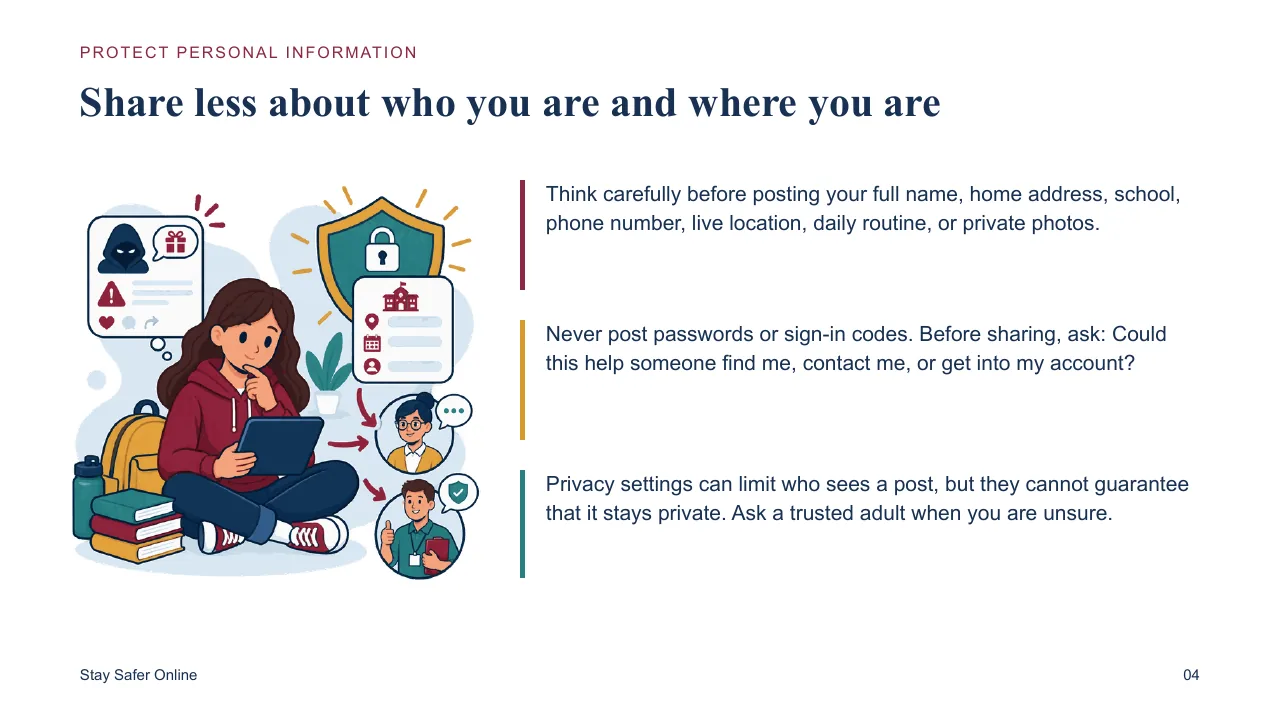
Share less about who you are and where you are
Think carefully before posting your full name, home address, school, phone number, live location, daily routine, or private photos.
Never post passwords or sign-in codes. Before sharing, ask: Could this help someone find me, contact me, or get into my account?
Privacy settings can limit who sees a post, but they cannot guarantee that it stays private. Ask a trusted adult when you are unsure.
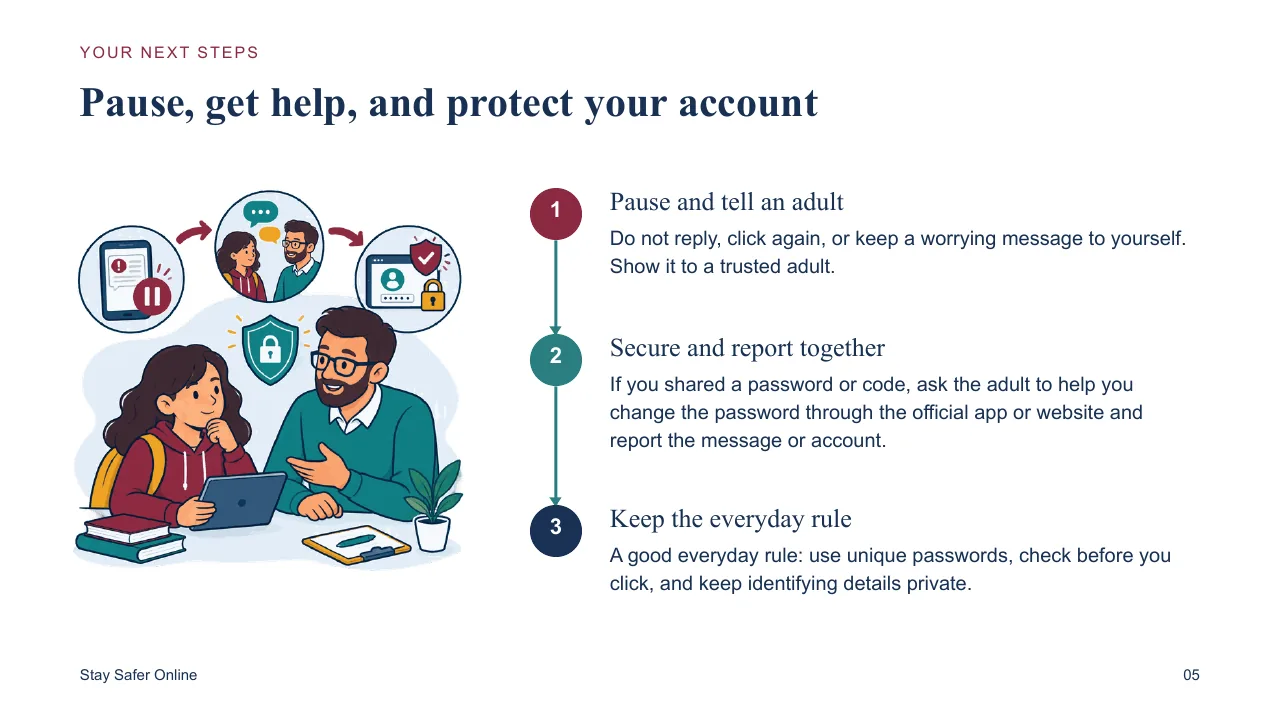
Pause, get help, and protect your account
Do not reply, click again, or keep a worrying message to yourself. Show it to a trusted adult.
If you shared a password or code, ask the adult to help you change the password through the official app or website and report the message or account.
A good everyday rule: use unique passwords, check before you click, and keep identifying details private.
 Photosynthesis
 Ocean pollution
 Earthquakes